
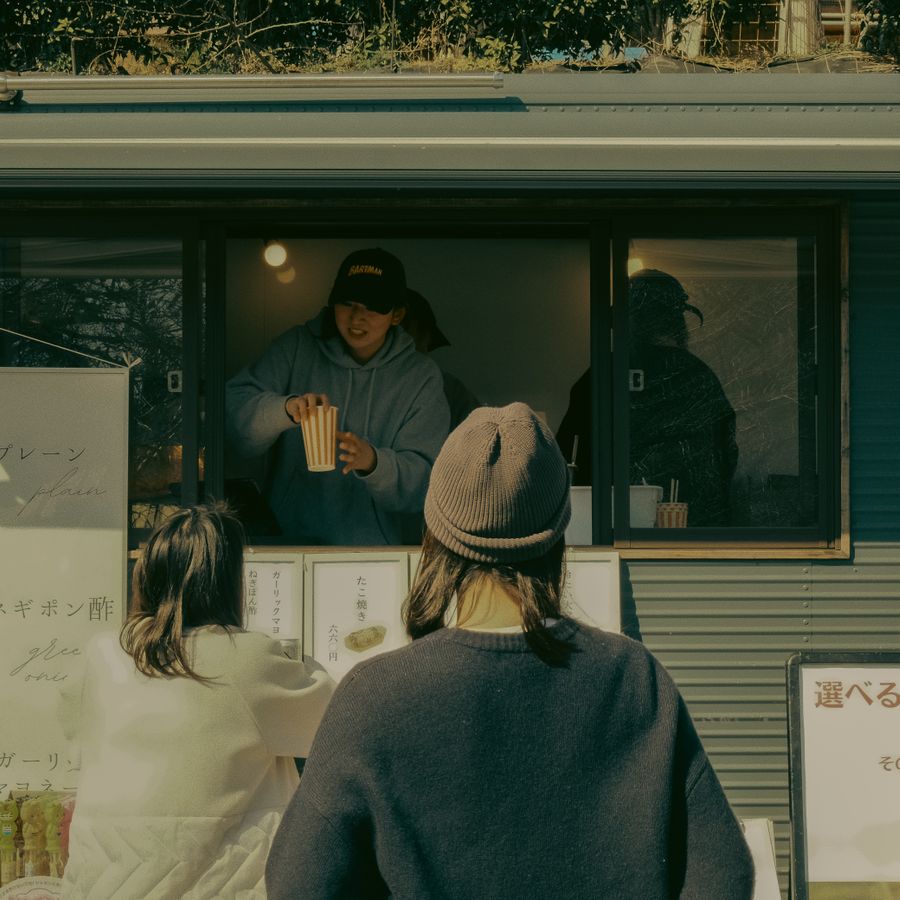
A branded storefront that's actually yours
Your name, your colors, your food front and center. Customers find you instead of a wall of competitors.
GaniTable gives independent home chefs a beautiful branded storefront and the tools to run scheduled food events — preorders, pickups, and payments, all in one place.
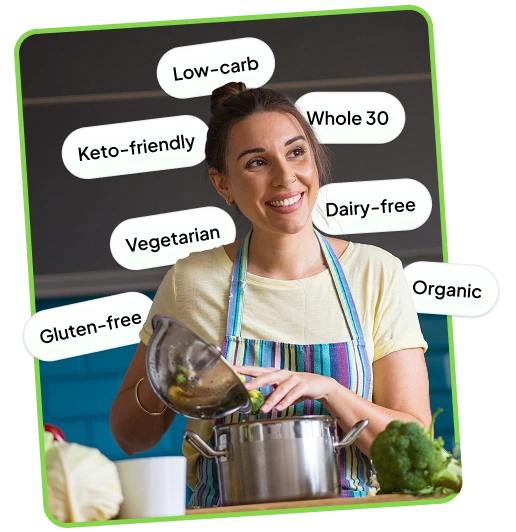
Allergen and dietary tags are baked into every menu item. Give customers the ingredient transparency they care about and create a community that shows up for plant-based food.
GaniTable speaks your customers' language so you don't have to explain yourself twice.
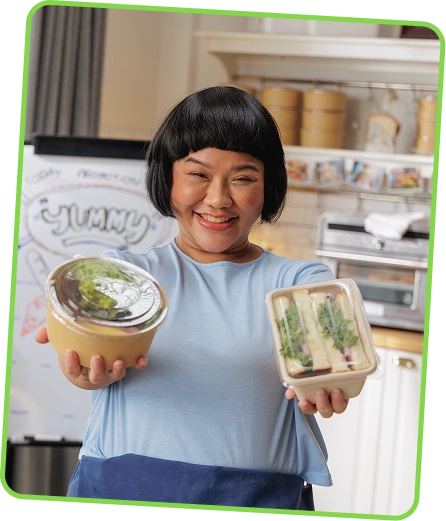
Why Events
Making food to order — in a set window, in limited quantity — means no waste, no guesswork, and a built-in reason for people to act now. You cook exactly what's been paid for. Your customers get something they had to show up for. Everybody wins.
Features
Your name, your colors, your food front and center. Customers find you instead of a wall of competitors.
Schedule preorders, set countdown timers, and automatically switch to "sold out" when every portion is claimed.

Accept secure card payments and tips at checkout, with every paid order organized in your dashboard.
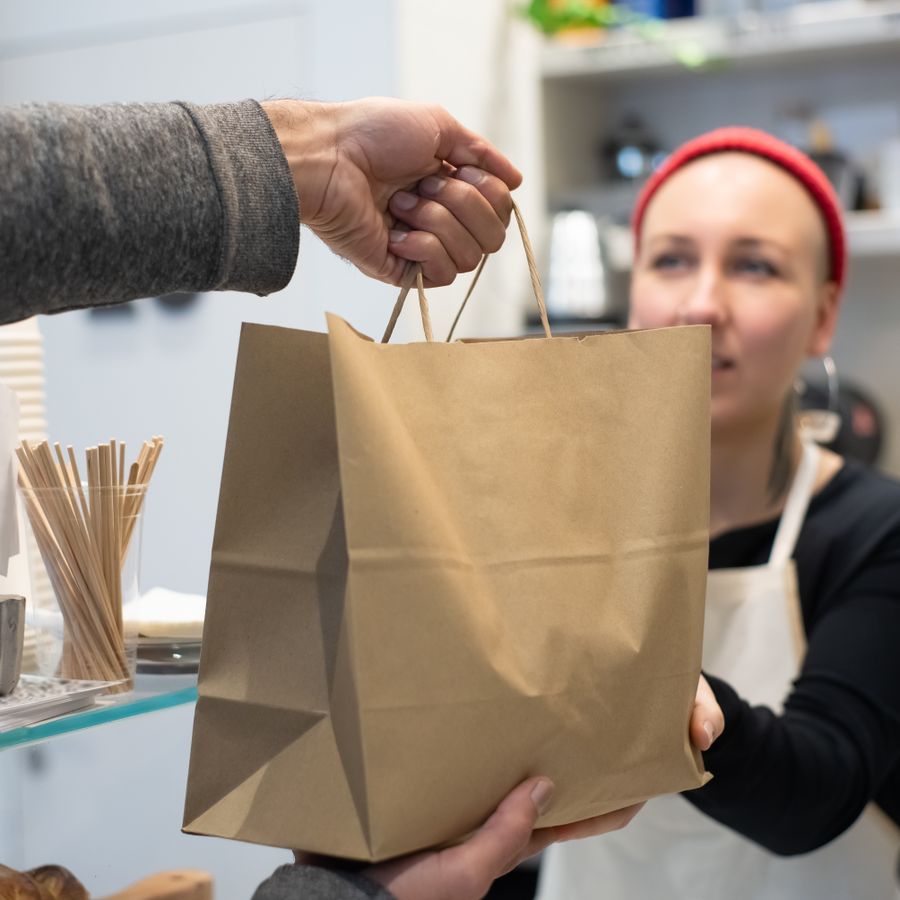
Set pickup windows and capacity, then keep every order and handoff detail together in one clear view.
Why Events
Add your logo, your story, your photos. In a few minutes you've got a branded page that looks like you — not a template, not a marketplace listing.
Pick your menu, set how many boxes you're making, choose when orders open and close, and cap your pickup slots. GaniTable handles the countdown and locks items the second they sell out.
Event your link on Instagram, TikTok, or your SMS list. Orders and payments stay organized, and a clear prep list tells you exactly what to make.
Questions, answered


